Choose the account for your situation
Trainers and gyms request a free Lumen business account. For your own workouts, download the app and create a personal account there. The business form is not personal app registration.
Already have a business account? Use Log in and the password-recovery option on the login screen. If you train through a coach or gym, discuss your existing account with them before creating another account.
Request your invitation
Enter your first name, last name, company and email in the account request form. After your request is accepted, check your inbox for the invitation and follow its instructions to complete access.
Lumen is free for up to 5 stored clients. Stored inactive and archived client records also count. Read the business pricing information when assessing capacity; requesting access does not select a paid subscription.
Try one realistic workflow
Use a programme you already understand, rather than rebuilding your entire practice at once.
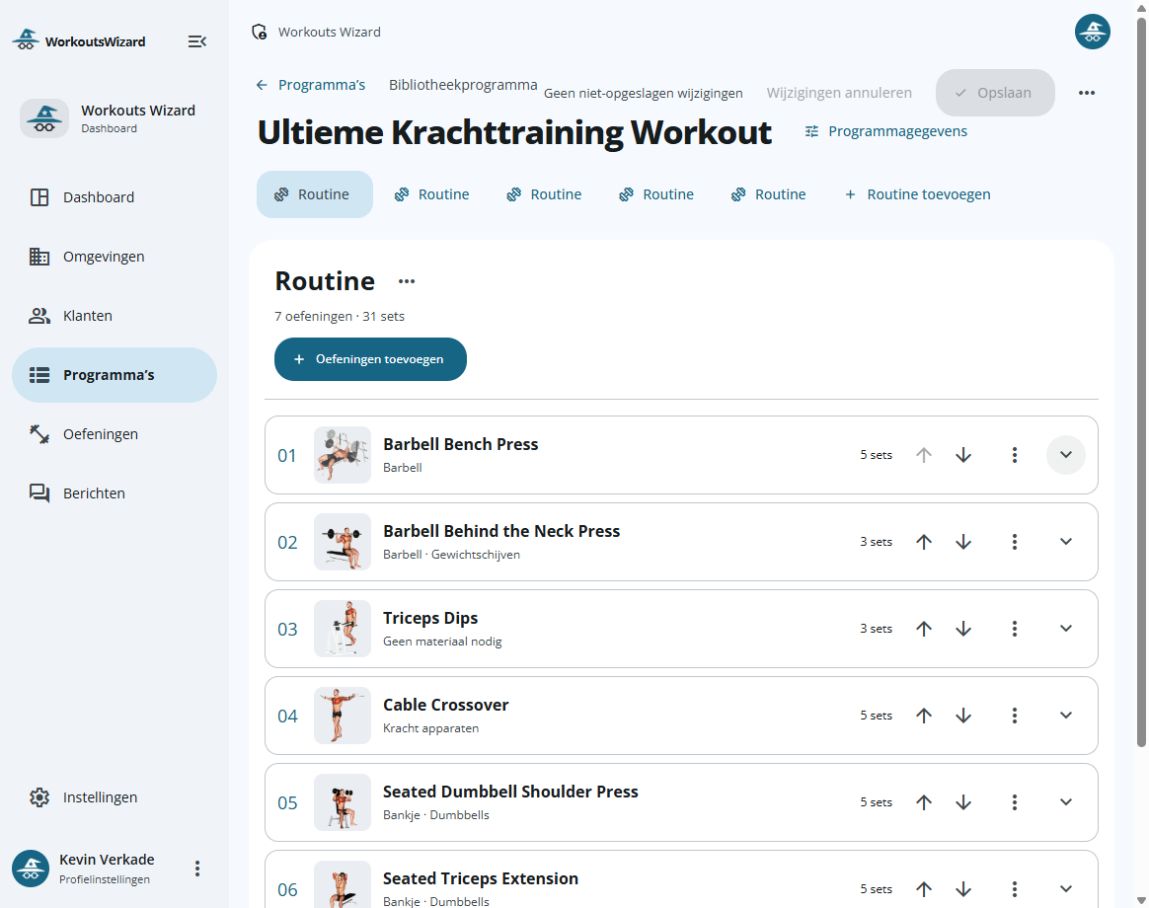
- Build a programme with a training day, exercises and sets in the dashboard editor.
- In the app, record repetitions and weight and use the rest timer during a workout.
- Review the recorded workout history and exercise statistics as a starting point for a coaching conversation. Decide what you want to change yourself.
Prepare before you switch
Keep your current service available while assessing the fit. Gather the records and requirements below before planning a transfer.
- List the client information and current subscription arrangements you need.
- Choose a representative training programme and note the equipment and set details.
- Identify who needs business access and who has permission to manage payments.
- List any required data transfer or external connections; clarify the supported operation before relying on it.
Find the relevant details
Compare business capacity, examine member administration and the payment connection, and use the existing switching article for general changeover planning.